


If you use Centreon to monitor your IT infrastructure, you’ve probably run into situations like these:
- A configuration question that’s blocking your setup
- An unexpected behavior in the interface — outside of business hours
- A question about your configuration before go-live
- An incident to diagnose, and no time to wait
In those moments, what you need is simple: fast access to the right answer. No digging through documentation. No opening a ticket for something that’s already been answered. No waiting.
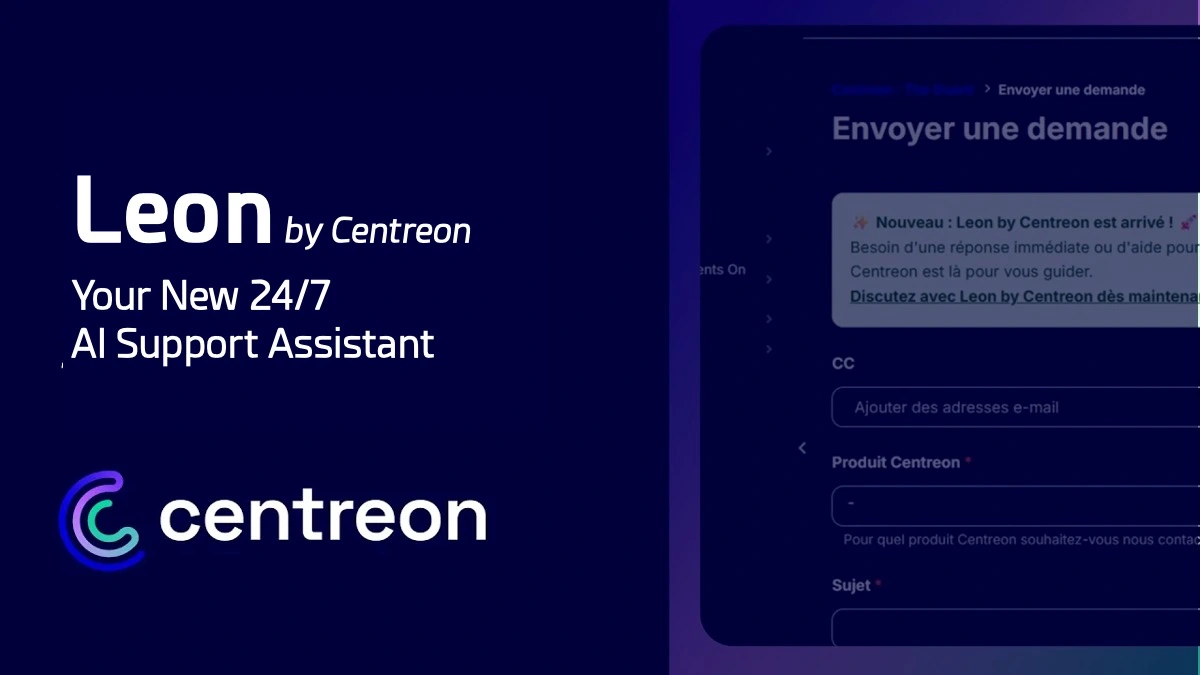
That’s exactly why we’re launching Leon by Centreon — a conversational AI assistant built directly into your Customer Care Portal (The Guard). Leon answers your most common technical questions instantly, in your language, around the clock.
Ask Your Question. Leon Takes It From There.
Instead of searching through documentation or jumping straight to a ticket, just ask Leon. It analyzes your request and walks you through it step by step.
Depending on your situation, Leon can:
- Suggest relevant diagnostic steps based on your context
- Recommend checks or corrective actions
- Point you to the most relevant documentation articles
- Help you create a support ticket if your issue requires an expert intervention
The goal is straightforward: help you pinpoint the root cause faster, and get to the right resources with no friction.
Real-World Examples You’ll Recognize
Here are three typical situations Leon can handle for you, starting today.
Example 1 — “In Centreon, my MAP interface shows a blank page for all users.”
Leon will help you qualify the issue by asking targeted questions to isolate whether it’s a licensing problem, a configuration issue, or a potential bug. In all cases, Leon will recommend the right steps to take and guide you through filing a well-documented ticket if needed.
Example 2 — “Our users are getting an ‘Error updating a user’ message when they try to update their settings.”
Leon has access to Centreon’s internal knowledge base and can identify this as a known issue caused by Centreon crons being unable to write to certain log files. Leon will guide you to check and fix the file permissions. If the issue persists, Leon will offer to create a ticket that includes your full conversation history so the Customer Care team can pick up right where you left off.
Example 3 — “I don’t know which MBI reports to use or how to set them up for my specific use case.”
By describing your needs and your version details, Leon can guide you to the right reports and configuration parameters to surface the data in the format that best fits what you’re trying to accomplish.
80,000 Pages of Centreon Expertise, in Seconds
Behind every answer Leon gives, there’s a knowledge base built by Centreon teams from the questions you actually ask.
That base includes:
- 400+ knowledge base articles developed by the Customer Care team from the most common support questions
- Centreon’s official product documentation
- Resources from Centreon’s GitHub repositories
That’s 80,000 pages of technical content, continuously updated. This isn’t generic AI — it’s your support team’s institutional knowledge, turned into a real-time assistant.
With Leon, we’re turning the expertise built up by our Customer Care teams into something you can access immediately. It’s a first step toward a more fluid, more proactive support experience.
Available 24/7, In Your Language
Leon is accessible at any time from the Customer Care Portal, nights, weekends, and across every time zone your teams operate in.
Leon automatically adapts to the language you write in. Whether your team is in Paris, London, São Paulo, or Hong Kong, Leon responds in your language and handles over 100 languages, with no setup required.
If your IT operations run around the clock or span multiple countries, this is a real, practical change: no more forced wait times. No more language barriers.
Leon Supports Your Experts, it Doesn’t Replace Them
Leon is designed to help with common questions and the first stages of diagnosis. When your issue requires a Centreon expert, just say so — and Leon makes the handoff.
It automatically sends the full history of your conversation to the Customer Care team. The expert who picks up your ticket already knows what you’ve tried, what you’ve checked, and can get straight to the point.
Data Hosted in Europe. GDPR and EU AI Act Compliant.
Leon was built with your most stringent data security and sovereignty requirements in mind:
- Data hosted in Europe (Ireland)
- GDPR compliant
- Isolated architecture ensuring full data flow traceability, aligned with the EU AI Act’s upcoming transparency standards
Transparency and data sovereignty aren’t options — they’re foundational to how Leon was designed.
How to Access Leon
Leon is available now in the Customer Care Portal (The Guard), for all Centreon customers with an active support contract.
No setup. No training. Just log in to the portal — Leon is there, easy to find right from the interface.
Next time you hit a technical question or run into an incident:
- Open Leon
- Ask your question
- Get an answer right away.
🎥 See Leon in action
To listen to the video in English: in the video player, select Settings, select Audio track, and then choose english as the language.
Share


